Search for the tools needed to start an affiliate website and you will probably land on a list of twenty or thirty names, each described as essential. Keyword platforms, design apps, email services, schedulers, analytics dashboards, funnel builders. By the third list, it is easy to believe you cannot begin until you have signed up for half of them.
You can begin with five jobs covered. This article names those jobs, says what kind of tool does each one, and then lists the extras that can wait until you have a few posts live.
Why most “must have” tool lists leave beginners feeling behind
Most tool lists are written from the point of view of a site that already exists. A person with fifty posts and steady visitors needs different things from a person with an empty site and an open afternoon. When the two get mixed together in one list, a beginner reads the advanced items as prerequisites.

There is also a commercial reason lists grow so long. Many of them are built from affiliate links, so every extra tool is another chance to earn a commission. That does not make the tools bad, but it does mean the length of a list tells you very little about what you need.
A better way to read any list is to ask what job each tool does and whether that job is blocking you today. If the job is “get the site online” or “decide what to write about,” the tool is on the short list. If the job is “automate something I have not started doing yet,” it can wait.
Tool 1: A place for your site to live
The job: Your site needs an address on the internet and a way for you to add pages and posts without writing code.
Two things do this work, and they are often confused. Hosting is the computer that stores your site and serves it to visitors. A website builder, or content management system, is the dashboard where you write posts, choose a design and change settings. Many beginners meet them as one package, which is the simplest arrangement.
What to look for at the start is short:
- You can publish a post and see it live the same day.
- You can change the design later without rebuilding.
- Basic settings such as a site title, menus and an About page are easy to find.
- You are not locked out of your own content if you ever want to move.
You do not need to compare dozens of themes or study server types. Pick a setup that gets you to a live page, because a published site teaches you more than a perfect plan does. If you are curious what the first build tends to feel like, what building your first website is really like walks through it.
A domain name, the address visitors type, is part of this job too. Choose something readable that you could say aloud to a friend, and avoid squeezing your whole topic into it. You can write about wider subjects later.
Tool 2: A way to find what people are searching for
The job: Before you write a post, you want some evidence that real people are typing that topic into a search engine.
This is keyword research. A keyword is simply the phrase someone types, such as “how to choose a niche you enjoy.” A keyword research tool shows you phrases related to your topic, roughly how often they are searched, and how crowded the results are. It turns “I think people want this” into something you can check.
For a beginner, three things matter in the results:
- Relevance. Does the phrase match something you could write a useful post about?
- Competition. Are the top results all large, established sites, or are there smaller sites ranking too? A phrase with fewer strong competitors is usually more realistic for a new site.
- Intent. Is the person looking for an answer, a comparison, or something to buy? Posts that answer a specific question are an easier place to start.
You do not need to master every column in the tool. Pick one phrase per post, write for the person who typed it, and move on. If you have not settled on a topic area yet, how to pick a niche you won’t get bored of is worth reading before you open any research tool, because the niche decides which phrases you search for.
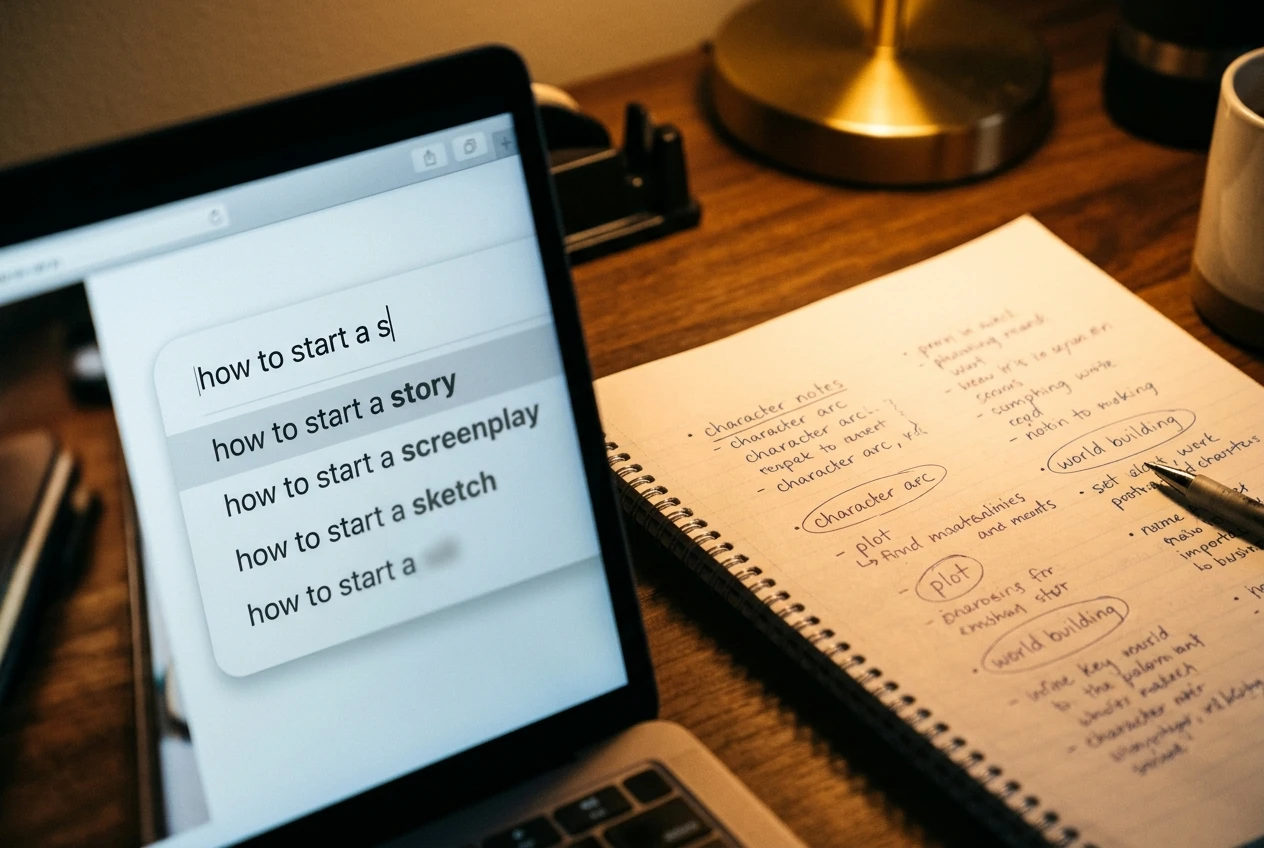
Some search engines also suggest phrases as you type, and those suggestions cost nothing. They are useful for a first look, though a dedicated tool gives you the numbers behind them.
Tool 3: Somewhere simple to write and keep your ideas
The job: Hold your ideas, outlines and drafts in a place you will actually open.
This can be a plain document editor or a notes app. It does not have to be a project management system with boards and automations. A beginner usually needs two things: a running list of post ideas, and a place to draft before pasting into the site.
A simple structure works well:
- One ideas list. Each line is a phrase from your keyword research, plus a few words about the angle.
- One folder of drafts. One document per post, named after its keyword.
- One short list of questions. When a reader question comes to mind, write it down. Each one can become a post.
Drafting outside your site has a practical benefit. A document saves your work and keeps a history, and it does not depend on your site being open in a browser tab. Drafting inside the builder is fine too, if that is what you prefer. The point is that ideas have a home, so you are never staring at a blank page wondering what to write.
Tool 4: Images you are allowed to use
The job: Give each post a picture or two that you have the right to publish.
This is the tool beginners most often get wrong, because images are easy to copy and the rules are easy to ignore. A picture found through a search engine is not free to use just because you can save it. It belongs to whoever made it, and the license says what you may do.
You have a few safe routes:

- Photos you take yourself. A phone camera is enough for many topics.
- Image libraries that publish under clear licenses. Read the license on the site you use, and check whether credit is required.
- Images you create yourself, such as simple graphics or screenshots of your own screen.
- Images supplied inside your website platform, if it offers them, with the terms stated.
Whichever route you choose, keep a note of where each image came from and under what license. Add short descriptive alt text to each picture too. It helps people using screen readers and tells search engines what the image shows.
You do not need design software at this stage. One clear image per post is plenty.
Tool 5: A way to see whether anyone is showing up
The job: Show you whether visitors arrive, where they come from and which pages they read.
This is analytics. Two free tools from Google are widely used for it: Google Analytics, which shows visits and behavior on your pages, and Google Search Console, which shows which search phrases brought people to your site and how your pages appear in results. Many website platforms also include their own simple visitor counts.
Set this up early, but do not expect numbers to be exciting at first. A new site often has very little traffic for a while, and search engines take time to find and rank new pages. An empty chart in the first weeks tells you the site is new, nothing more.
Once a few posts have been live for some time, look for patterns:
- Which posts get any visits at all?
- Which search phrases appear in Search Console that you did not plan for?
- Do visitors read one page or move to others?
Checking once a week is enough. Daily checking tends to produce anxiety without producing decisions.
What to skip for now
Everything below is useful to someone, eventually. None of it blocks you from publishing your first posts.

- Email marketing platforms. An email list matters later, but with no readers yet there is nobody to email.
- Social media schedulers. Schedulers save time on accounts you already run. If you have no posting habit yet, there is nothing to schedule.
- Logo and brand design tools. A readable site name in a clean font does the job for now.
- Paid add-ons for your site. Extras that change appearance or add features are tempting. Start with what your site includes and add something only when you hit a specific limit.
- Funnel and landing page builders. These are built for sales pages and sequences, which come after you have traffic.
- Multiple writing or content tools. One place to write is enough. Stacking several makes the process slower, not better.
- Advanced keyword or competitor analysis suites. The basic research in Tool 2 covers a beginner’s needs.
A useful rule is to wait until a task has annoyed you twice. If you have done something by hand two times and it was slow, look for a tool then. By that point you know exactly what you want it to do, which makes the choice much easier.
Putting your starter toolkit together in one afternoon
Here is a realistic order for a single sitting, with the time spread however suits you:
- Set up your site. Choose your hosting and builder, pick a domain, and publish a basic About page so the site is live.
- Open a document for your ideas. Create the ideas list and the drafts folder.
- Run your first keyword searches. Search a few phrases around your topic and note five or six that fit a post you could write.
- Decide on your image source. Choose one route from Tool 4 and write down its license terms.
- Connect analytics. Add Google Analytics and Search Console, or switch on your platform’s visitor stats.
At the end you will have a live site, a short list of topics to write about, a safe way to add pictures and a way to measure what happens. That is the whole toolkit, and writing your first post is the next job.
If you would like to see the starting options laid out without any pressure to choose, free vs paid starting options explains what beginners get at each level. When you are ready for the next gentle step, take a look at how Wealthy Affiliate brings the website, the keyword research and the training together in one place, so these first jobs sit under a single login instead of five separate ones.